
What is proper posture when sitting at a desk?
Proper posture when sitting at a desk means aligning your head, shoulders, spine, and hips in a neutral position while keeping your feet flat and your screen at eye level. This balanced alignment minimizes strain on muscles and joints, supports natural spinal curves, and helps maintain comfort and focus during long work sessions.
Proper Posture When Sitting at a Desk (Complete Step-by-Step Guide)
⏱ 6 min read
Proper posture when sitting at a desk is one of the most impactful yet overlooked habits in modern work life. If you experience neck stiffness, tight shoulders, or lower back fatigue, your sitting posture—not your workload—is often the root cause. With the right adjustments, you can quickly improve comfort, reduce strain, and boost daily productivity.
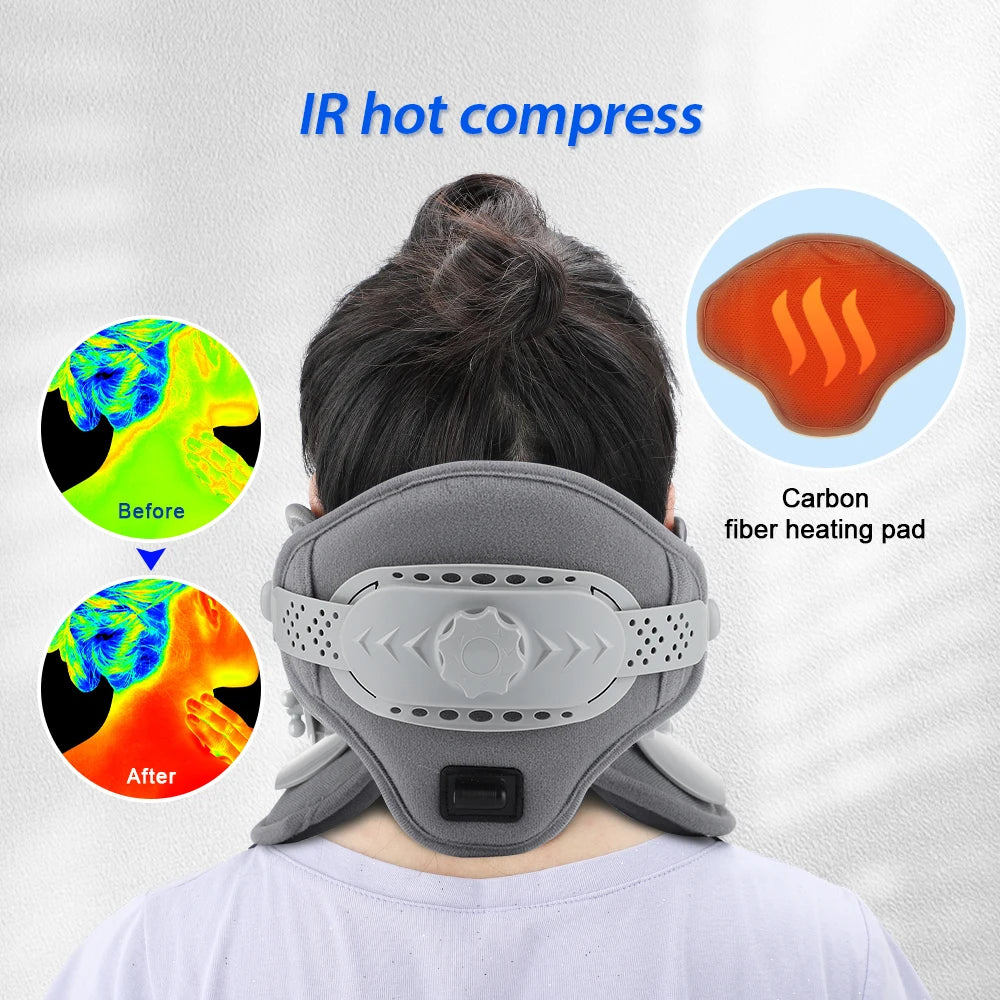
Correct posture for sitting at a desk starts with simple alignment See it in action
Why Proper Desk Posture Matters (Backed by Ergonomics Science)
Poor sitting posture places uneven stress on your spine and surrounding muscles. When you slouch or lean forward, the load on your cervical spine increases significantly, forcing muscles to overcompensate and leading to fatigue and discomfort.
Research in ergonomics shows that proper alignment improves circulation, reduces muscular strain, and enhances breathing efficiency—directly impacting energy and concentration levels.
- Less neck and shoulder tension
- Improved breathing and oxygen flow
- Better focus and productivity
- Reduced long-term spinal stress
For deeper recovery strategies, explore Body & Face Blog for posture and back care insights.
Step-by-Step Guide: How to Sit at a Desk Correctly
Proper posture when sitting at a desk starts with aligning each part of your body to reduce strain and support your spine. Follow this step-by-step breakdown to achieve a correct sitting position at your desk.
Head and Neck Position
- Keep your head directly above your shoulders, not pushed forward
- Align your ears with your shoulders
- Keep your chin slightly tucked, not tilted up or down
Shoulder and Arm Alignment
- Relax your shoulders—avoid shrugging or rounding forward
- Keep elbows close to your body at a 90–100° angle
- Forearms should be parallel to the floor
Spine and Lower Back Support
- Maintain a natural S-curve in your spine
- Use lumbar support or a cushion for your lower back
- Avoid slouching or leaning forward for long periods
Hip and Thigh Position
- Sit all the way back in your chair
- Keep hips level and slightly higher than your knees
- Ensure thighs are parallel to the ground
Knee and Foot Placement
- Keep knees bent at approximately 90°
- Place feet flat on the floor or a footrest
- Avoid crossing your legs for extended periods
Ideal Desk Ergonomics Setup (Chair, Desk, Monitor, Keyboard)
Your desk setup directly impacts your posture. Even perfect sitting habits won’t help if your workstation is poorly arranged.
Correct Chair Height and Lumbar Support
- Adjust chair height so your feet rest flat on the floor
- Knees should be level with or slightly lower than hips
- Use built-in or external lumbar support to maintain spinal curve
Monitor Height and Viewing Distance
- Top of the screen should be at or slightly below eye level
- Keep the monitor about an arm’s length away
- Avoid tilting your head up or down to view the screen
Keyboard and Mouse Positioning
- Place keyboard at elbow height
- Keep wrists neutral—not bent upward or downward
- Position mouse close to the keyboard to avoid overreaching
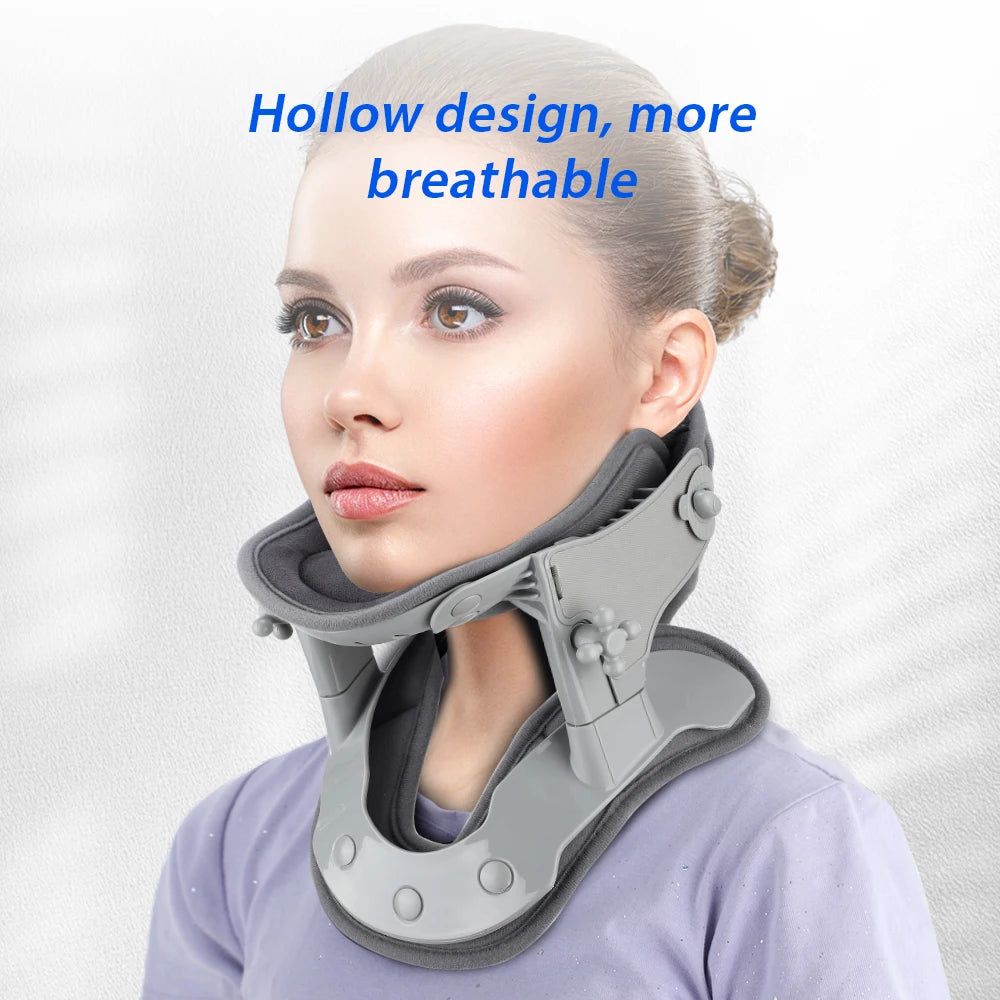
Better posture at work desk reduces daily strain Try it yourself
Desk Posture Checklist (Quick Self-Assessment)
Use this quick checklist to confirm your proper sitting posture at your desk:
- ✔ Head aligned over shoulders (not forward)
- ✔ Shoulders relaxed, not rounded
- ✔ Back supported with natural curve
- ✔ Elbows at 90–100° angle
- ✔ Hips level and pushed to back of chair
- ✔ Knees at or slightly below hip level
- ✔ Feet flat on the floor
- ✔ Monitor at eye level
Common Desk Posture Mistakes That Cause Pain
- ❌ Leaning forward → increases neck strain and spinal pressure
- ❌ Sitting without back support → compresses lower spine
- ❌ Crossing legs → disrupts hip alignment and circulation
- ❌ Holding phone with shoulder → causes muscle imbalance
These habits gradually lead to misalignment and discomfort, even if they feel harmless in the moment.
How Poor Sitting Posture Affects Your Body Long-Term
Incorrect posture when sitting at a desk doesn’t just cause short-term discomfort—it can lead to chronic health issues over time.
- Neck strain: Forward head posture increases pressure on cervical spine
- Lower back pain: Lack of lumbar support compresses spinal discs
- Shoulder tension: Rounded shoulders tighten upper back muscles
- Poor circulation: Sitting improperly restricts blood flow to legs
- Reduced lung capacity: Slouching compresses the chest and limits breathing
Over time, these issues can impact mobility, posture confidence, and productivity.
Daily Habits to Maintain Good Posture at Your Desk
Building consistent habits is key to maintaining correct posture when sitting at a desk.
- Set reminders to check your posture every hour
- Take short movement breaks every 30–60 minutes
- Stretch your neck, shoulders, and lower back daily
- Adjust your workstation as needed throughout the day
- Avoid prolonged static positions, even if posture is correct
Many readers combine these habits with recovery tools from Body Care and Health Devices for added comfort.
Dynamic Sitting: Why You Shouldn’t Sit Still All Day
Even with proper posture for sitting at a desk, staying in one position for too long can strain your body. Dynamic sitting encourages small, regular movements throughout the day.
- Shift your sitting position every 20–30 minutes
- Stand up or stretch every 30–60 minutes
- Alternate between sitting and standing if possible
- Perform simple mobility exercises during breaks
The goal is not perfect posture all day—but consistent movement combined with good alignment.
Do Posture Support Tools Actually Help?
Posture support tools like lumbar cushions, ergonomic chairs, or posture correctors can help reinforce proper sitting posture—but they are not a complete solution.
- They provide support, not correction
- They work best when combined with good habits
- Over-reliance may weaken natural muscle engagement
Some users also use neck cervical traction routines to relieve tension after long desk hours.
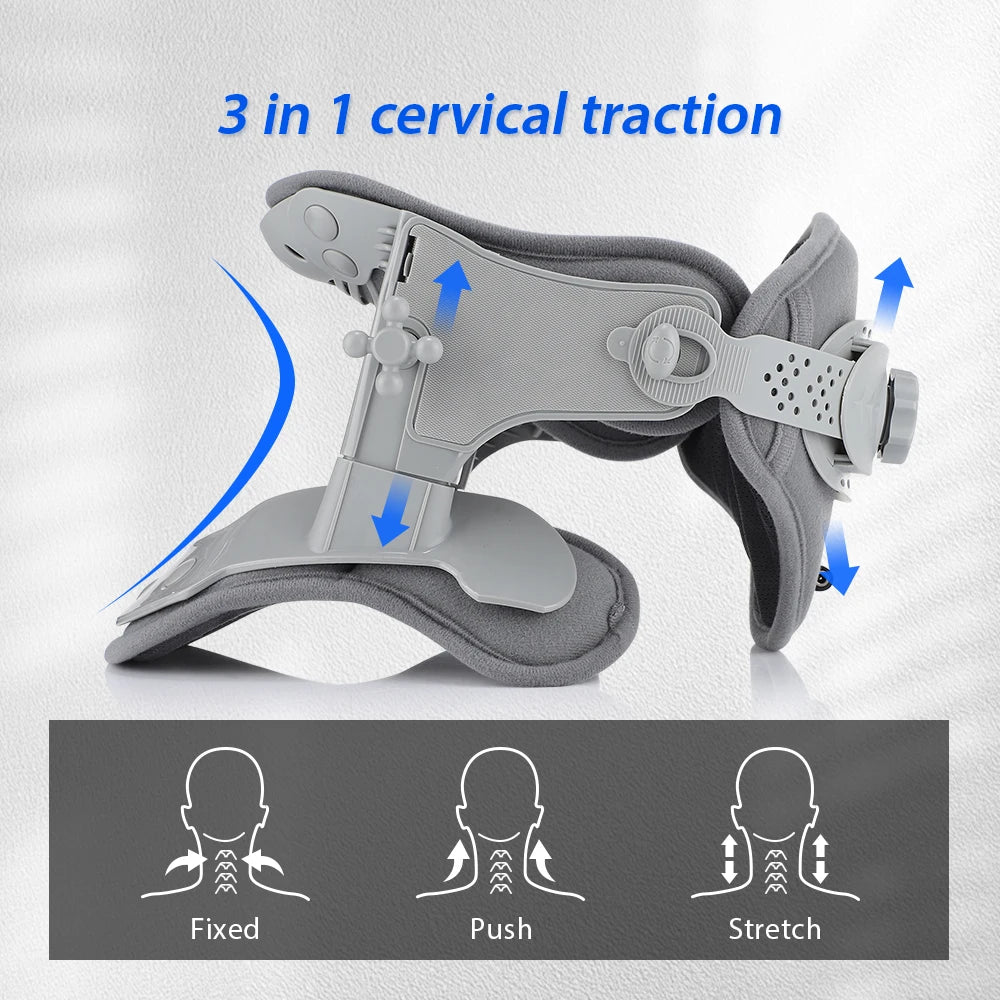
Support your neck, reset alignment Feel relief tonight
Explore more wellness and comfort ideas in Lifestyle .
Quick Answers to Common Desk Posture Questions
How long does it take to feel results from better desk posture?
Most people notice reduced tension within a few days. With consistent posture correction and movement habits, long-term improvements typically develop within two to three weeks.
Is proper posture enough to prevent back pain?
Proper posture significantly reduces strain, but combining it with movement, stretching, and ergonomic setup is essential for long-term back health and injury prevention.
Do posture tools replace exercise?
No. Posture tools support alignment, but regular movement and strengthening exercises are necessary to maintain muscle balance and spinal stability.
Related Guide: How to Relieve Neck Pain Step by Step at Home
UPGRADE PLAN { "outline": [ { "action": "MODIFY", "h2": "What is proper posture when sitting at a desk?", "h3": [], "focus": [ "Define neutral spine alignment", "Summarize ideal body positioning", "Answer the primary query immediately", "Introduce key ergonomic principles" ], "keywords": [ "proper posture when sitting at a desk", "correct posture when sitting at a desk", "proper posture for sitting at a desk" ] }, { "action": "KEEP", "h2": "Why Proper Desk Posture Matters (Backed by Ergonomics Science)", "h3": [], "focus": [ "Neutral spine biomechanics", "Reduced muscle and joint strain", "Productivity and comfort", "Long-term musculoskeletal health" ], "keywords": [ "desk posture", "good posture for sitting at desk" ] }, { "action": "MODIFY", "h2": "Step-by-Step Guide: How to Sit at a Desk Correctly", "h3": [ "Head and Neck Position", "Shoulder and Arm Alignment", "Spine and Lower Back Support", "Hip and Thigh Position", "Knee and Foot Placement" ], "focus": [ "Body alignment from head to feet", "Correct joint angles", "Practical adjustment sequence", "Common positioning cues" ], "keywords": [ "how to sit at a desk correctly", "correct sitting position at desk", "proper sitting posture at desk", "proper sitting position at desk" ] }, { "action": "MODIFY", "h2": "Ideal Desk Ergonomics Setup (Chair, Desk, Monitor, Keyboard)", "h3": [ "Correct Chair Height and Lumbar Support", "Monitor Height and Viewing Distance", "Keyboard and Mouse Positioning", "Desk and Armrest Adjustments" ], "focus": [ "Workstation measurements", "Equipment positioning", "Comfort optimization", "Prevent repetitive strain" ], "keywords": [ "proper seating position at desk", "desk posture" ] }, { "action": "ADD", "h2": "How to Maintain Proper Posture with a Laptop or Dual Monitors", "h3": [ "Laptop Ergonomic Fixes", "Dual-Monitor Placement" ], "focus": [ "Laptop limitations", "External accessories", "Screen positioning", "Home office adaptations" ], "keywords": [ "correct posture for sitting at desk", "proper posture when sitting at a desk" ] }, { "action": "KEEP", "h2": "Desk Posture Checklist (Quick Self-Assessment)", "h3": [], "focus": [ "Head-to-feet checklist", "Quick workstation audit", "Daily reminder", "Easy corrections" ], "keywords": [ "correct posture sitting desk", "desk posture" ] }, { "action": "MODIFY", "h2": "Common Desk Posture Mistakes That Cause Pain", "h3": [], "focus": [ "Forward head posture", "Rounded shoulders", "Crossed legs and unsupported feet", "Leaning toward the screen" ], "keywords": [ "correct posture when sitting at a desk", "good posture for sitting at desk" ] }, { "action": "KEEP", "h2": "How Poor Sitting Posture Affects Your Body Long-Term", "h3": [], "focus": [ "Neck pain", "Back pain", "Shoulder and hip issues", "Reduced mobility" ], "keywords": [ "desk posture" ] }, { "action": "MODIFY", "h2": "Daily Habits to Maintain Good Posture at Your Desk", "h3": [ "Microbreak Schedule", "Simple Mobility Exercises" ], "focus": [ "Movement frequency", "Stretching routine", "Posture resets", "Habit building" ], "keywords": [ "good posture for sitting at desk", "desk posture" ] }, { "action": "KEEP", "h2": "Dynamic Sitting: Why You Shouldn’t Sit Still All Day", "h3": [], "focus": [ "Frequent position changes", "Movement benefits", "Reducing static load", "Combining sitting and standing" ], "keywords": [ "proper sitting position at desk" ] }, { "action": "ADD", "h2": "Standing Desk Tips and Transition Strategies", "h3": [], "focus": [ "Alternating sitting and standing", "Ideal standing duration", "Desk height", "Avoiding fatigue" ], "keywords": [ "desk posture", "proper posture when sitting at a desk" ] }, { "action": "MODIFY", "h2": "Do Posture Support Tools Actually Help?", "h3": [], "focus": [ "Lumbar cushions", "Footrests", "Sit-stand desks", "When tools are beneficial" ], "keywords": [ "proper seating position at desk" ] }, { "action": "MODIFY", "h2": "Quick Answers to Common Desk Posture Questions", "h3": [ "How long should you sit before taking a break?", "What is the correct monitor height?", "Can a standing desk improve posture?", "Do posture tools replace exercise?" ], "focus": [ "Evidence-based answers", "Common ergonomic concerns", "Workstation setup", "Pain prevention" ], "keywords": [ "proper posture when sitting at a desk", "correct posture when sitting at a desk" ] } ], "internal_links": [ "how to relieve neck pain", "neck pain exercises at home", "relief for neck and shoulder tension", "ways to relieve neck pain", "home office ergonomics", "standing desk ergonomics", "monitor height guide", "lumbar support guide" ], "faq": [ "How often should I get up from my desk?", "What is the ideal monitor height for good posture?", "Is crossing your legs bad while sitting?", "Can a standing desk fix poor posture?", "What should I do if my feet don't reach the floor?", "How can I improve posture when using a laptop?", "Does an ergonomic chair automatically improve posture?", "Can good desk posture reduce neck and shoulder pain?" ], "trim": [ "Reduce emphasis on posture support products", "Merge repetitive posture maintenance advice", "Shorten generic back pain discussion", "Avoid repeating 'sit up straight' guidance" ] } Approved linked products: - neck cervical traction (/products/neck-cervical-traction) Product Rules - Keep all approved products. - Only approved products may contain affiliate links. - You may add real competitor products when useful. - Competitor products must not contain links unless already present. - Only create comparison tables when they genuinely improve the article. RULES - Apply every instruction in the Upgrade Plan. - Keep all existing affiliate links unchanged. - Keep all existing internal links unchanged. - Keep all existing image URLs unchanged. - Preserve sections such as Related Articles, Related Posts and Recommended Reading. - Avoid duplicate headings. - Insert new sections only where specified. - Improve clarity, topical coverage, EEAT and readability. - Expand weak sections only when required. - Use natural keyword placement. - Keep semantic HTML clean. YEAR UPDATE If visible article text contains "2005", replace it with "2026". Do not modify years inside: - URLs - href attributes - image filenames OUTPUT REQUIREMENTS Return ONLY the final upgraded HTML article. The output must be valid HTML and ready to publish. Do NOT return: - Markdown - Explanations - Notes - Code fences - JSON - XML Return the HTML beginning with the first HTML element and ending with the last HTML element.