
How to Use a USB Heated Blanket (Step-by-Step Setup, Safety Tips & Power Guide)
Cold weather can make everyday activities uncomfortable, whether you are working at a desk, traveling, relaxing on the couch, or spending time outdoors. A usb blanket heated provides targeted personal warmth through a portable USB power connection, making it a convenient option when traditional heating is unavailable or inefficient.
Learning how to use a USB heated blanket correctly helps you get better warmth, extend battery life, and avoid common issues caused by incorrect power sources, improper positioning, or poor maintenance.
⏱ 5 min read
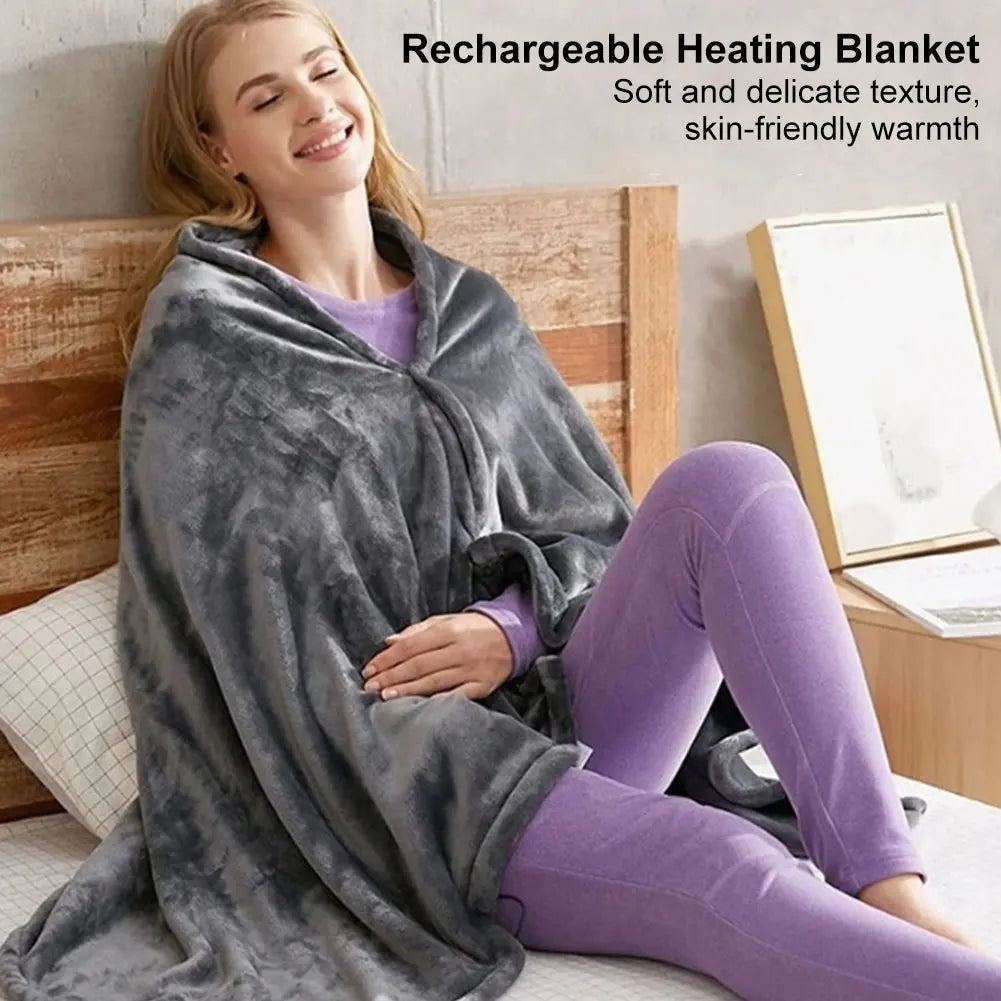
usb blanket heated comfort for staying warm inside — See it in action
What Is a USB Heated Blanket and How Does It Work?
How USB heating technology works
A USB heated blanket uses built-in heating elements, commonly carbon fiber heating panels or thin heating wires, to create warmth when connected to a compatible USB power source. Electricity flows through these elements and produces gentle heat that spreads through the blanket fabric.
Unlike large electric blankets designed for full-bed heating, USB heated blankets are made for personal warmth. They focus on heating the area around your body rather than warming an entire room.
USB voltage, current, and power requirements
Most USB heated blankets operate using low-voltage USB power, commonly requiring a 5V power supply with sufficient current output . A power source with inadequate output may cause weak heating, slow warm-up times, or inconsistent performance.
- Standard USB ports: May provide limited warmth depending on output.
- USB wall adapters: Usually provide stable power for indoor use.
- Power banks: Offer portability but depend on battery capacity and output specifications.
- Car USB adapters: Can provide warmth while traveling when compatible.
What heating performance to realistically expect
A USB heated blanket is designed for comfort and heat retention, not as a replacement for room heaters or high-powered electric blankets. The warmth is usually gentle and localized.
Heating speed depends on several factors, including power output, ambient temperature, blanket material, and whether the blanket is used with additional insulation. Pairing it with clothing layers or another blanket can help retain the heat it produces.
How to Use a USB Heated Blanket: Step-by-Step Setup
Step 1: Check the blanket and USB connector
Before first use, inspect the USB cable, connector, and heating area for visible damage. Make sure the connection point is clean and free from moisture.
Confirm the blanket’s required voltage and current specifications before connecting it to a power source.
Step 2: Choose a compatible power source
Select a power source that matches the blanket’s requirements. A reliable USB power supply helps maintain consistent heating performance.
Suitable options may include:
- USB wall adapters with compatible output
- Fully charged power banks
- Laptop USB ports with sufficient output
- Compatible car USB adapters
Step 3: Connect the blanket correctly
Insert the USB connector securely into the power source. Avoid using loose connections, damaged cables, or unreliable adapters because they may interrupt power delivery.
Step 4: Turn on and adjust the heat
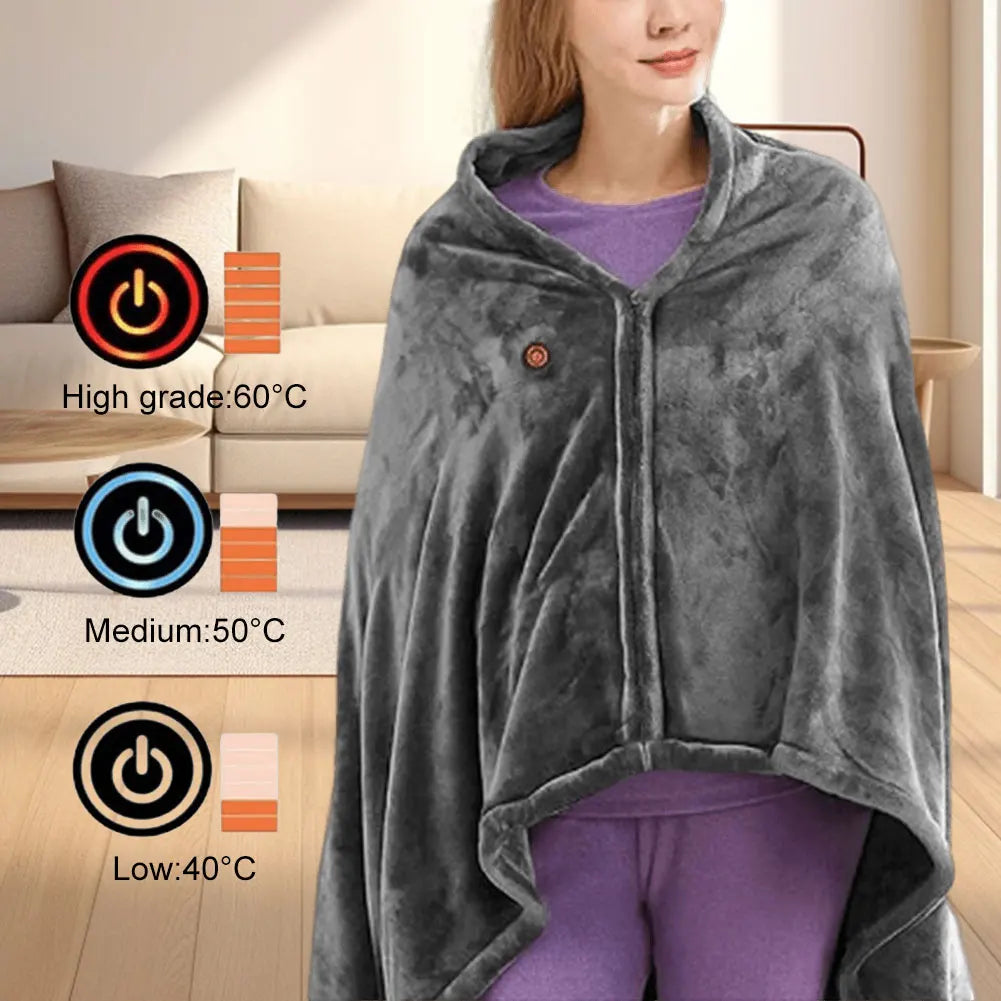
If your model includes heat settings, start with a lower setting and adjust gradually. Allow time for the heating elements to warm up evenly before increasing the temperature.
Step 5: Position the blanket for safe, even warmth
Place the blanket flat across your lap, shoulders, legs, or another target area. Avoid tightly folding, bunching, or compressing the heated sections while powered on.
During first use, check that the blanket warms evenly and that the cable and connector remain at a normal temperature.
usb heated blanket camping or couch-ready — Portable warmth anywhere
Can You Use a Power Bank for a USB Heated Blanket?
How to check power bank output compatibility
Yes, you can use a power bank for many USB heated blankets, but compatibility depends on the power bank’s output rather than only its battery size.
Check:
- Voltage: The power bank should match the blanket’s required USB voltage.
- Current output: Higher output helps provide more consistent heating.
- Port condition: Damaged or unstable ports may interrupt power delivery.
Power bank capacity and estimated runtime
Battery capacity affects how long the blanket can operate. A larger capacity power bank generally provides longer runtime, while output determines whether the blanket receives enough power to heat properly.
For example, a 10,000mAh or larger power bank may provide portable warmth for travel, but actual runtime varies based on:
- Heat setting used
- Blanket power consumption
- Battery age and temperature
- Power bank efficiency
Best way to use a heated blanket with a power bank
- Fully charge the power bank before use.
- Use a short, high-quality USB cable.
- Keep the battery protected from extreme cold.
- Avoid covering the power bank in a way that traps excessive heat.
USB wall adapters, laptops, cars, and other power sources
A USB heated blanket can work with different power sources depending on compatibility:
- Wall adapter: Best for desks, bedrooms, and indoor relaxation.
- Laptop: Useful for office environments if the USB port supports enough power.
- Car adapter: Convenient for road trips and commuting.
- Power bank: Best for portable use and outdoor activities.
USB Heated Blanket Safety Tips for Everyday Use
Avoid overheating and damaged cords
Stop using the blanket if you notice damaged cables, exposed wiring, unusual smells, or abnormal heating. Damaged electrical components can reduce safety and performance.
Use the correct power source and output
Always use a compatible power source recommended by the manufacturer. Incorrect voltage, insufficient output, or damaged adapters may prevent proper operation.
Keep the blanket flat and free from unsafe folding
Do not tightly fold or bunch the blanket while it is powered. Concentrated heat in compressed areas may affect the internal heating elements.
Safe usage duration and overnight considerations
Do not assume every USB heated blanket is designed for overnight use. Only use it while sleeping if the manufacturer specifically states that overnight operation is safe.
Indoor, travel, and outdoor safety precautions
Keep USB connections dry and protected from moisture. When using outdoors, protect the cable connection from rain, snow, and wet surfaces.
For additional guidance, see our related heated blanket safety tips .
How to Use a USB Heated Blanket in Different Situations
At home or in the office
A USB heated blanket works well at desks, sofas, and reading areas where you need personal warmth without heating an entire room.
Use a wall adapter for consistent indoor power or a power bank if you need flexibility around your workspace.
In a car or while traveling
USB heated blankets are useful for commuting, road trips, and travel situations where portable comfort matters.
Keep cables organized and place the power source securely to prevent pulling or accidental disconnection.
Camping and outdoor use
A USB heated blanket can add comfort during camping when paired with proper insulation. Use it with sleeping bags, warm clothing, and other cold-weather gear to reduce heat loss.
For outdoor heating options, explore related guides about portable heaters for winter .
Using a blanket with a portable power bank
When using a battery-powered setup, place the power bank where it stays protected and accessible. Monitor battery levels and use lower settings when extending runtime is important.
USB Heated Blanket Not Heating? Troubleshooting Guide
Check the USB connection and power source
If your USB heated blanket is not heating , start with the simplest causes:
- Reconnect the USB cable securely.
- Try another compatible power source.
- Check for visible cable damage.
Verify voltage and current compatibility
A weak power source is one of the most common reasons a USB blanket does not heat properly. Confirm that the adapter or power bank meets the required specifications.
Check the power bank charge and output
A low battery level or power-saving mode may reduce performance. Fully charge the power bank and test with another compatible device if needed.
What to do if the blanket heats unevenly or weakly
Uneven heating may result from:
- Insufficient power supply
- Improper folding or positioning
- Internal heating element issues
Allow the blanket to warm up fully before deciding whether performance is abnormal.
When to stop troubleshooting and replace the blanket
Replace the blanket if it has damaged wiring, a broken connector, persistent heating problems, or signs of electrical failure.
How to Get More Warmth and Longer Battery Life
Use layers to retain heat
A heated blanket creates warmth, but insulation helps keep that warmth around your body. Use it with clothing layers or another blanket to improve comfort.
Choose the right heat setting
Higher settings may consume more power. Use the lowest comfortable setting to balance warmth and battery life.
Reduce heat loss around the blanket
Limit drafts and cold airflow when possible. Using the blanket in an enclosed indoor space can improve heat retention.
Improve power bank runtime
- Charge the battery fully before use.
- Avoid unnecessary high heat settings.
- Disconnect when warmth is no longer needed.
Avoid common efficiency mistakes
Common mistakes include using an underpowered adapter, leaving the blanket exposed to cold airflow, or expecting a USB blanket to heat large spaces.
How to Clean, Dry, and Store a USB Heated Blanket
Check the care label before washing
Always follow the manufacturer’s cleaning instructions before washing. Different models may have different requirements for removable controllers, washing methods, and drying procedures.
Disconnect and protect the USB controller
Remove power connections before cleaning. Keep USB connectors and control components away from water unless specifically designed for cleaning.
Dry the blanket completely before use
Never reconnect a USB heated blanket while it is damp. Moisture around electrical components can create safety risks.
Store it without damaging the heating elements
Store the blanket in a dry location and avoid sharp folds that may stress internal heating components. Rolling or loosely folding is often better for long-term storage.
portable usb blanket heated for travel comfort — Try it anywhere
FAQs About Using a USB Heated Blanket
How do you use a USB heated blanket?
Connect the blanket to a compatible USB power source, turn on the heating function if available, adjust the setting, and position it flat against the area you want to warm.
Can you use a power bank for a USB heated blanket?
Yes. A power bank can power a USB heated blanket if it provides compatible voltage and enough current output.
How long does a power bank run a USB heated blanket?
Runtime depends on battery capacity, heat setting, blanket power consumption, and power bank efficiency. Larger capacity batteries generally provide longer use.
Why is my USB heated blanket not heating?
Common causes include an incompatible power source, loose USB connection, low battery charge, damaged cables, or internal heating issues.
Can you sleep with a USB heated blanket?
Only use a USB heated blanket overnight if the manufacturer specifically confirms that it is designed and tested for overnight use.
Can you use a USB heated blanket in a car?
Yes, a USB heated blanket can be used in a car when connected to a compatible USB adapter or power bank. Keep cables secure and avoid blocking safe movement inside the vehicle.
How do you clean a USB heated blanket?
Disconnect all power components, follow the care instructions, protect USB connectors from moisture, and ensure the blanket is completely dry before reuse.