
Does a smart heated vest really keep you warm all day?
A smart heated vest can help maintain warmth for long periods by combining built-in heating zones, adjustable temperature controls, and battery-powered heat generation. However, all-day warmth depends on factors such as battery capacity, selected heated vest settings, outdoor temperature, wind exposure, and activity level. Using the correct heating mode helps balance comfort, energy efficiency, and consistent performance throughout the day.
How to Use Heated Vest Settings for Maximum Warmth and Battery Life
A heated vest works best when you understand how to control its temperature levels, heating modes, and battery usage. Instead of relying on bulky winter layers alone, a smart heated vest gives you direct control over warmth so you can adapt to changing conditions.
⏱ 6 min read
Explore how a smart heated vest fits into your daily routine
Smart heated vest in daily wear — comfort without bulk See it in action
Why a Smart Heated Vest Feels Different from Regular Winter Wear
A smart heated vest feels different from traditional winter clothing because it provides active warmth instead of only trapping existing body heat. Regular jackets and sweaters depend on insulation, while a heated vest generates controlled warmth through integrated heating elements.
How Heating Technology Responds Faster Than Insulation
Passive insulation helps slow heat loss, but it cannot create additional warmth. A heated vest adds another level of comfort by delivering heat directly around the core area, where maintaining warmth can improve overall cold-weather comfort.
- Active heating provides adjustable warmth instead of fixed insulation
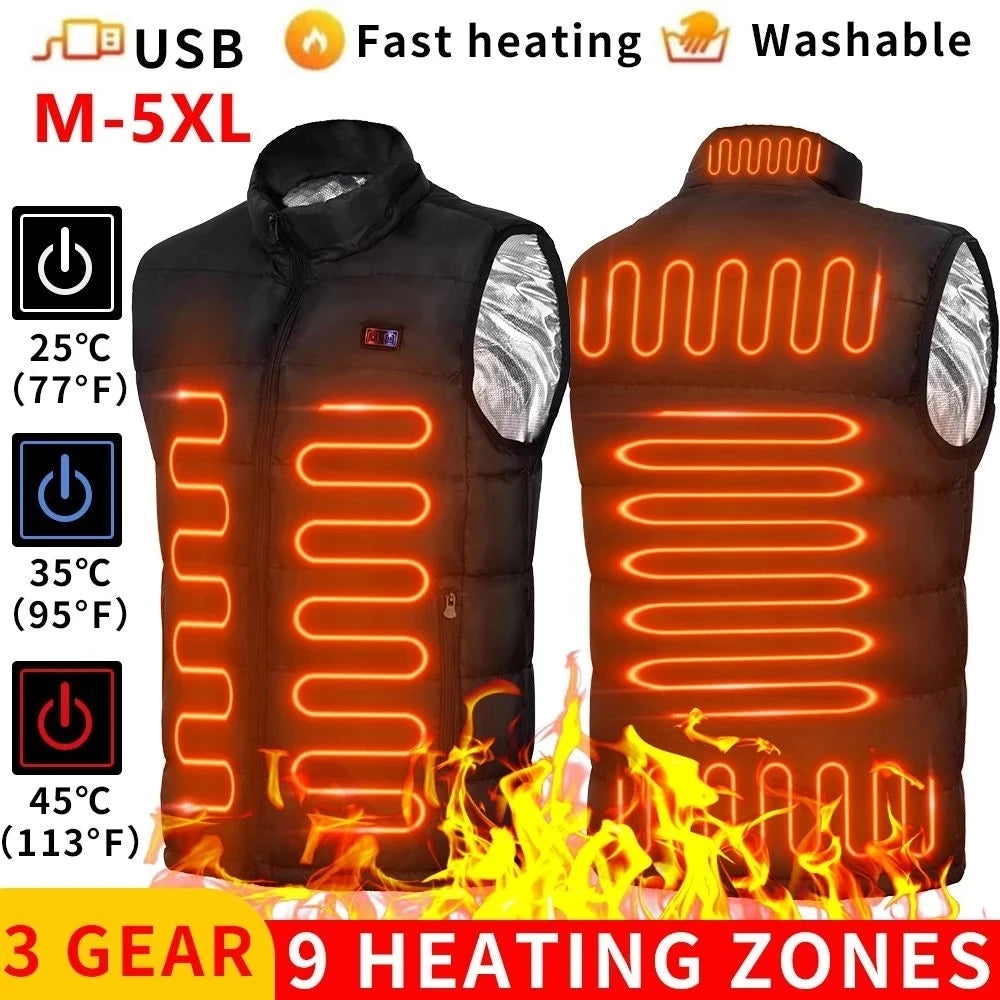
- Targeted heating zones focus energy on the chest and back
- Lightweight design supports easier movement
- Temperature controls allow quick adjustments during changing conditions
This wearable heated vest usage approach makes heated clothing useful for commuting, outdoor activities, work environments, and situations where temperatures change throughout the day.
How Heated Vest Settings Work (Temperature Levels & Technology)
Understanding how do heated vest settings work helps you choose the right balance between warmth and battery performance. Most models use multiple heated vest heating modes controlled through a power button and LED indicator.
Low, Medium, High Settings Explained with Temperature Ranges
Most heated vests include three heated vest temperature levels designed for different environments:
- Low (Blue): Approximately 35–40°C (95–104°F) — ideal for mild cold, indoor use, or longer battery runtime
- Medium (White): Approximately 40–50°C (104–122°F) — suitable for everyday outdoor comfort
- High (Red): Approximately 50–60°C (122–140°F) — designed for quick warming in colder conditions
Graphene vs Carbon Fiber Heating Elements
Modern heated vests use different heating materials to create consistent wearable warmth.
- Graphene: Lightweight, fast heating, and designed for more even heat distribution
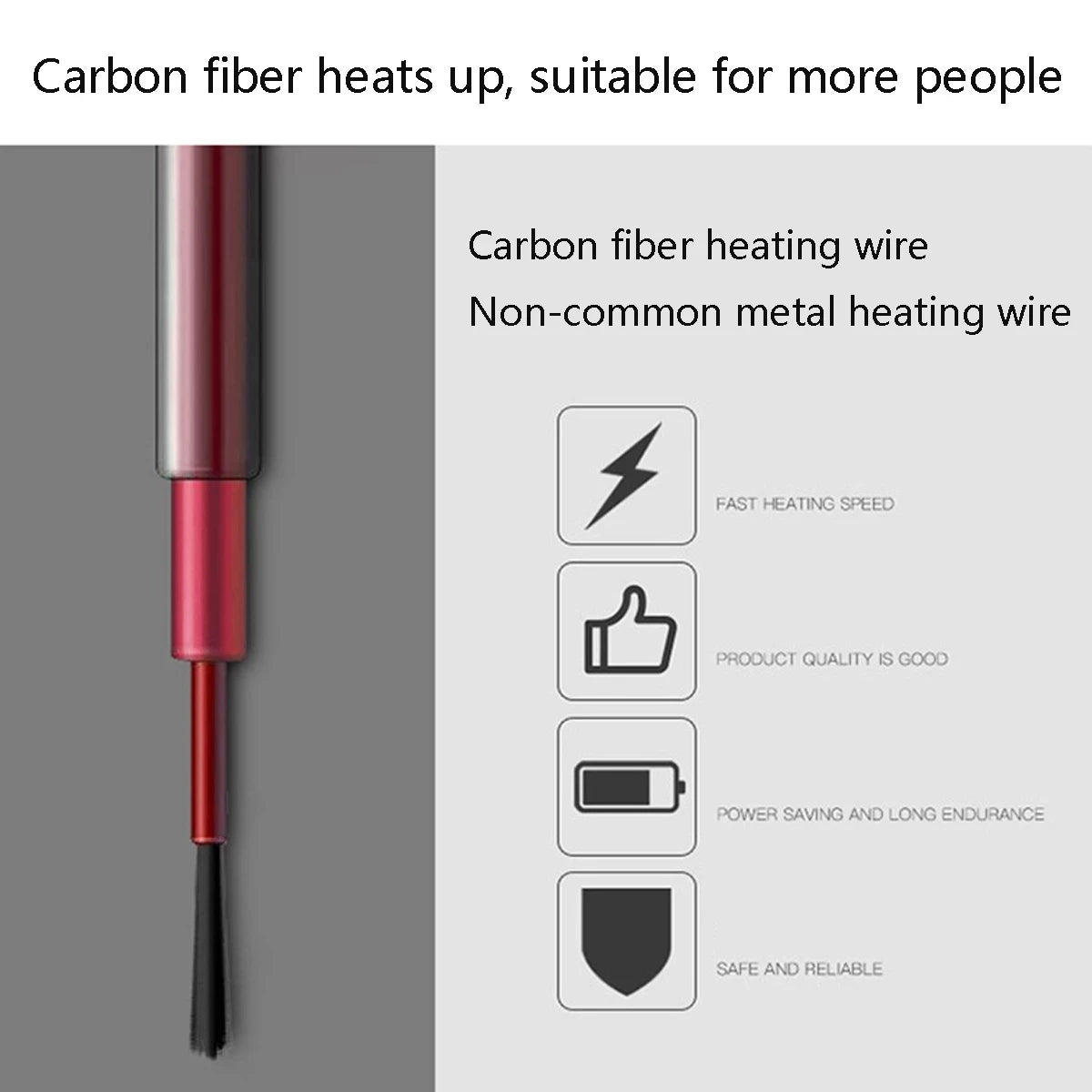
- Carbon fiber: Durable, reliable, and widely used in heated apparel
Both heating technologies convert battery energy into controlled warmth through flexible heating panels.
Heating Zones and Body Heat Distribution
Many heated vests include multiple heating zones positioned across the chest, back, and sometimes neck area. These zones focus heat where it can provide the most noticeable comfort while helping improve energy efficiency.
Explore smart heated vest technology
Heated Vest Color Settings & Button Controls Explained
The heated vest control button allows users to switch between different temperature modes. LED colors provide a quick visual indication of the selected heat level, although specific colors may differ between brands.
What Each LED Color Means
- Red: High heat mode
- White: Medium heat mode
- Blue: Low heat mode
How to Switch Between Temperature Modes
- Press and hold the power button to activate the vest
- Wait for the LED indicator to appear
- Press the button again to change heating modes
- Select the temperature level based on weather and activity
Common Brand Color Differences
Heated vest color settings are not universal across all manufacturers. Some brands may use different colors, flashing patterns, or button combinations, so always check the included user guide.
Step-by-Step: How to Use a Heated Vest Correctly
Turning On and Activating Heat
- Connect a fully charged battery
- Place the battery securely inside the vest pocket
- Hold the power button for 2–3 seconds
- Confirm the LED indicator shows the selected mode
Adjusting Heated Vest Temperature Settings
- Start with high heat when entering cold conditions
- Switch to medium for balanced warmth and battery life
- Use low heat for longer wear periods
Turning Off and Storing Properly
- Hold the power button until heating stops
- Disconnect the battery
- Store the vest in a dry, cool location
Battery Life by Setting Level (Real Usage Guide)
Battery runtime depends on temperature level, battery capacity, outdoor conditions, and how often the vest switches between heating modes.
Runtime Comparison: Low vs Medium vs High
- Low: Approximately 6–10 hours
- Medium: Approximately 4–6 hours
- High: Approximately 2–4 hours
Estimated Runtime Chart by Battery Capacity
| Battery Capacity | Low Setting | Medium Setting | High Setting |
|---|---|---|---|
| 5,000 mAh | 3–5 hours | 2–3 hours | 1–2 hours |
| 10,000 mAh | 6–10 hours | 4–6 hours | 2–4 hours |
| 20,000 mAh | 10+ hours | 6–10 hours | 4–6 hours |
How to Extend Battery Life Throughout the Day
- Use high heat only when you need rapid warming
- Switch to medium once comfortable
- Lower heat indoors or during movement
- Combine the vest with proper layering
Best Heated Vest Settings for Different Weather and Activities
Commuting
For daily commuting, medium heat usually provides the best balance of warmth and battery efficiency. Use high heat briefly while waiting outdoors in colder conditions.
Hiking
During hiking, body movement naturally generates heat. Start with medium heat and reduce the setting when activity increases to preserve battery.
Cycling
Cycling creates additional wind exposure, so medium or high settings may provide better comfort during colder rides. A wind-resistant outer layer can further improve heat retention.
Skiing and Snow Work
For extended exposure to freezing temperatures, higher settings combined with proper winter layers can provide additional comfort. Adjust regularly based on activity level and weather.
Heated Vest Safety Tips You Should Not Ignore
Safe Temperature Usage
Avoid using maximum heat unnecessarily for long periods. Adjust the temperature based on your environment and comfort level.
Charging and Battery Safety
- Use compatible batteries and chargers
- Avoid exposing batteries to moisture
- Do not use damaged cables or connectors
- Follow charging instructions provided by the manufacturer
Indoor vs Outdoor Usage
Lowering heat indoors helps prevent discomfort and reduces unnecessary battery consumption.
Layering Tips That Maximize Comfort Without Bulk
Best Base Layers
Wear a lightweight moisture-managing base layer underneath the vest to improve comfort and heat circulation.
Mid Layers
A heated vest works best over a thin layer that allows warmth to spread without restricting movement.
Outer Shell Selection
A wind-resistant jacket or shell helps retain generated warmth and reduces heat loss in cold outdoor environments.
Troubleshooting Heated Vest Settings Issues
Vest Not Heating
- Check battery connection
- Confirm the battery has sufficient charge
- Inspect wiring and connectors
Blinking Lights or Errors
Blinking lights often indicate low battery, connection problems, or controller protection settings.
Uneven Heating Zones
Check vest fit, battery connection, and heating areas for possible damage or loose connections.
How to Manage Battery for All-Day Use
Preheating Strategy
Use high heat briefly when first entering cold conditions, then reduce the temperature once the vest reaches a comfortable level.
When to Lower Temperature
Lower settings when walking, exercising, entering heated buildings, or when your body naturally warms up.
Power Bank Care
- Recharge before extended outdoor use
- Store batteries away from extreme temperatures
- Avoid completely draining batteries frequently
Smart temperature control vest adapts to your pace See it in action
Staying Comfortable Through Indoor–Outdoor Transitions
When to Lower Heat
Reduce temperature when entering vehicles, offices, or heated buildings to maintain comfort and conserve battery.
Avoiding Overheating
Adjusting heated vest temperature instead of keeping one setting all day allows better comfort across changing environments.
Smart Heated Vest vs Traditional Winter Layers
| Feature | Smart Heated Vest | Traditional Layers |
|---|---|---|
| Warmth | Adjustable active heating | Passive insulation |
| Mobility | Lightweight design | Can become bulky |
| Battery Dependency | Requires charging | No battery required |
| Best Use Cases | Outdoor work, commuting, activities | General cold-weather protection |
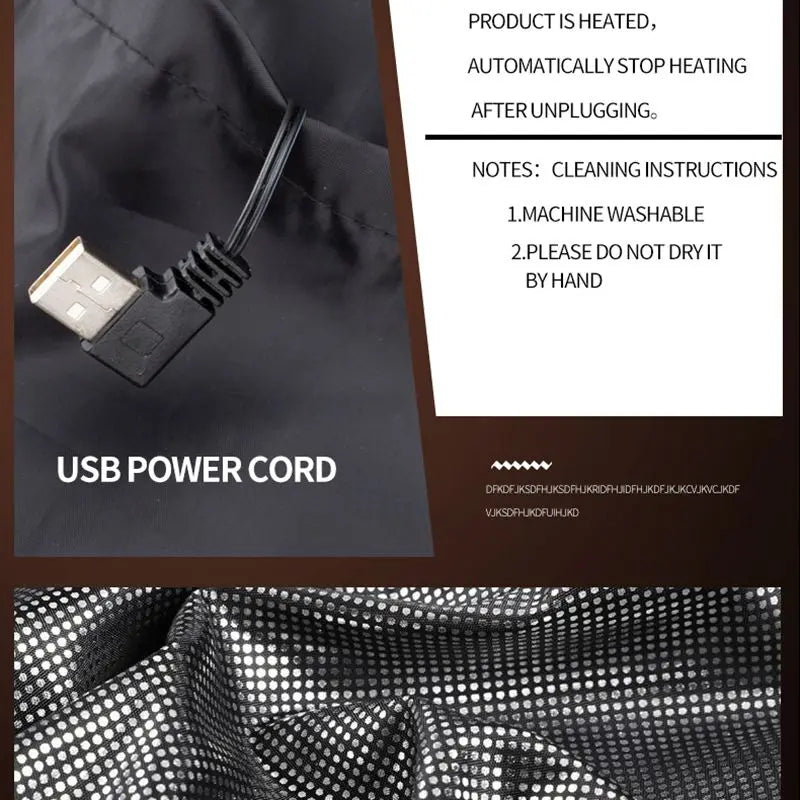
Wearable winter heating apparel for long days See it in action
Quick Heated Vest Settings Reference Chart
Recommended Setting by Temperature
| Weather | Recommended Setting | Battery Trade-Off |
|---|---|---|
| Mild cold | Low | Longest runtime |
| Cool weather | Medium | Balanced warmth and efficiency |
| Freezing conditions | High initially, then adjust | Higher power consumption |
Recommended Setting by Activity
| Activity | Suggested Setting |
|---|---|
| Commuting | Medium |
| Hiking | Low to Medium |
| Cycling | Medium to High |
| Standing outdoors | High when needed |
Quick FAQ
What do the colors mean on a heated vest?
Red usually indicates high heat, white indicates medium heat, and blue indicates low heat, although colors may vary by brand.
What is the best heated vest setting for daily use?
Medium heat is generally the best balance between warmth and battery life for everyday activities.
Can I leave my heated vest on all day?
Yes, but adjusting settings based on temperature and activity helps improve comfort and battery performance.
Why is my heated vest blinking?
Blinking usually indicates a low battery, connection issue, or controller warning.
Pillar Article: Not Found
Other Related Articles:
- How to Choose Cold Weather Gear for Extreme Chill
- How an Electric Warming Jacket Keeps Your Core Warm
- How to Layer Heated Winter Wear Without Overheating
- Heated Vest for Cold Commuting Which Style Works Best
Explore More: