
What are smart eyewear glasses?
Smart eyewear glasses are wearable tech that combines built-in audio, Bluetooth calling, and hands-free controls in a sleek eyewear frame. Unlike earbuds, these smart bluetooth sunglasses keep your ears open while letting you listen to music, take calls, and stay connected—perfect for productivity and focus on the go.
- Hands-free audio and calling
- Open-ear speakers for safe awareness
- Bluetooth pairing with phone/laptop
- Music, voice assistant & quick notifications
Smart Glasses for Productivity: Best Models, Features & Real-World Use Cases (2026)
⏱ 7 min read
Smart eyewear glasses are transforming how we work, communicate, and stay focused—without constantly reaching for our phones. From audio smart glasses to AI-powered assistants and AR displays, modern wearable smart eyewear brings productivity tools directly into your daily workflow.
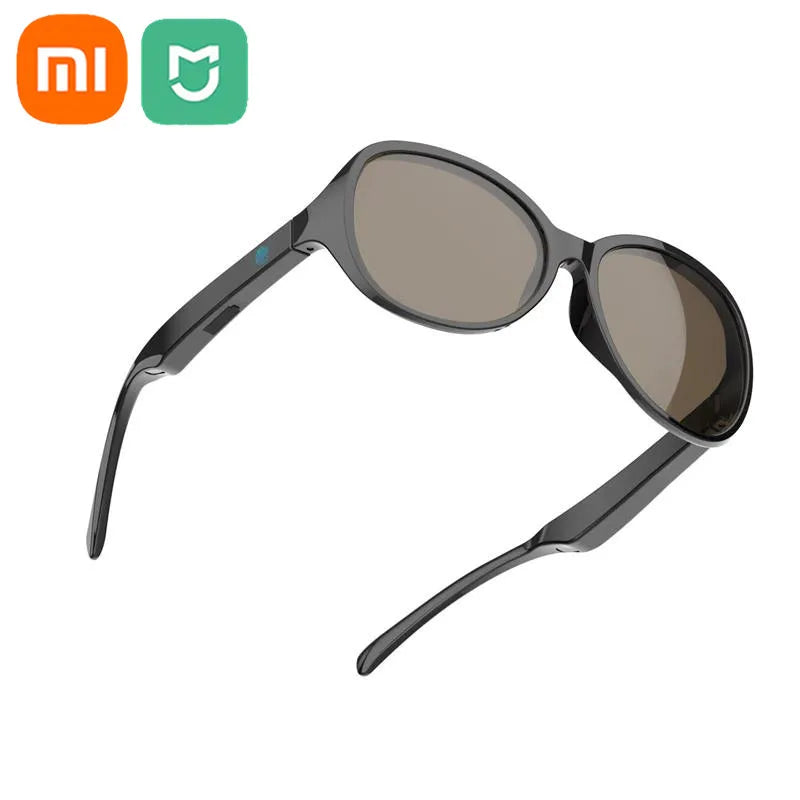
Smart Eyewear Glasses — hands-free audio, calls & voice control.
What Are Smart Glasses and How Do They Work?
How smart glasses work (audio vs AR vs AI)
Smart glasses connect to your smartphone or computer via Bluetooth or wired interfaces. Audio smart glasses use directional speakers to deliver sound without blocking your ears. AR models overlay digital visuals into your field of view, while AI-powered glasses integrate voice assistants for real-time commands, summaries, and notifications.
Types of smart glasses for productivity
- Audio smart glasses: Focus on calls, music, and voice control
- AR smart glasses: Overlay data for navigation and work tasks
- Display glasses: Act as portable monitors
- AI smart glasses: Enable voice commands, summaries, and task automation
Key smart glasses features that impact productivity
- Open-ear audio for awareness
- Reliable Bluetooth connectivity
- All-day comfort and lightweight design
- Battery life for full work sessions
- Voice assistant and AI integration
How We Tested the Best Smart Glasses for Productivity
Testing criteria
- Battery life during continuous use
- Comfort for 6–8 hour wear
- Call quality and microphone clarity
- Bluetooth stability and pairing speed
- Compatibility with apps and devices
Real-world productivity scenarios
We tested smart glasses across daily workflows including remote meetings, commuting, deep work sessions, and multitasking environments to evaluate real usability—not just specs.
Best Smart Glasses for Productivity (Tested & Compared)
Quick comparison table
| Model | Type | Battery | Best For | Compatibility |
|---|---|---|---|---|
| Xreal Air 2 | AR Display | ~5h | Multitasking | Android, Mac |
| Ray-Ban Meta | Audio + AI | ~6h | Calls + AI features | iOS, Android |
| Viture One | Display | ~4–6h | Portable screen | Multi-device |
| KentDO Smart Bluetooth Sunglasses | Audio | ~8h | Daily productivity | iOS, Android |
Best overall smart glasses for work
Xreal Air 2 stands out for professionals needing a portable second screen and extended multitasking capabilities.
Best AI smart glasses for productivity
Ray-Ban Meta glasses integrate AI features like voice commands and quick capture, ideal for content creators and communication-heavy roles.
Best audio smart glasses for calls & music
Audio-first models provide the best balance between usability and comfort, making them ideal for everyday productivity and communication.
Best AR/display smart glasses for multitasking
Display-based glasses excel for remote work setups, offering a private virtual workspace anywhere.
Best budget smart glasses for daily use
Lightweight Bluetooth smart glasses focus on essential features while maintaining affordability and comfort.
Smart Eyewear Benefits for Productivity
Focus and distraction reduction
By delivering audio notifications instead of visual interruptions, smart eyewear helps maintain concentration and reduce context switching.
Hands-free communication
Take calls, listen to updates, and interact with devices without stopping your workflow.
AI assistance and note capture
Advanced models enable voice commands, reminders, and even quick note-taking through AI assistants.
Productivity wearable tech vs traditional devices
Unlike phones or laptops, wearable smart eyewear reduces friction by integrating seamlessly into daily routines.
Real-World Workflows: Using Smart Glasses for Work
Meetings and remote collaboration
Join calls hands-free while moving, commuting, or multitasking.
Writing, coding and research
Use audio playback and voice assistants to maintain flow without switching devices.
Travel and navigation
Stay connected and receive directions without constantly checking your phone.
Field work and accessibility
Ideal for technicians, creators, and mobile professionals who need hands-free communication.
How to Use Smart Eyewear Glasses (Step-by-Step)
How do you use smart eyewear glasses?
- Charge your device (USB-C)
- Open Bluetooth settings
- Select KentDO Smart Bluetooth Sunglasses
- Use touch or voice controls for audio and calls
How to Choose the Right Smart Glasses
Audio vs AR vs AI glasses
Choose based on your workflow—audio for communication, AR for visuals, AI for automation.
Compatibility with work apps
Ensure support for tools like Zoom, Teams, and productivity apps.
Battery life and comfort
Look for 6–8 hour battery life and lightweight frames for extended wear.
Privacy and workplace considerations
Some workplaces restrict cameras or recording features—choose accordingly.
Why KentDO Smart Bluetooth Sunglasses Stand Out
Best productivity features
KentDO smart eyewear delivers open-ear audio, long battery life, and intuitive controls—optimized for daily productivity without complexity.
Who should buy KentDO
- Remote workers
- Commuters
- Students and creators
| Feature | KentDO | Earbuds |
|---|---|---|
| Hands-free calls | ✅ | ✅ |
| No ear fatigue | ✅ | ❌ |
| Awareness | ✅ | ❌ |
| All-day comfort | ✅ | ❌ |
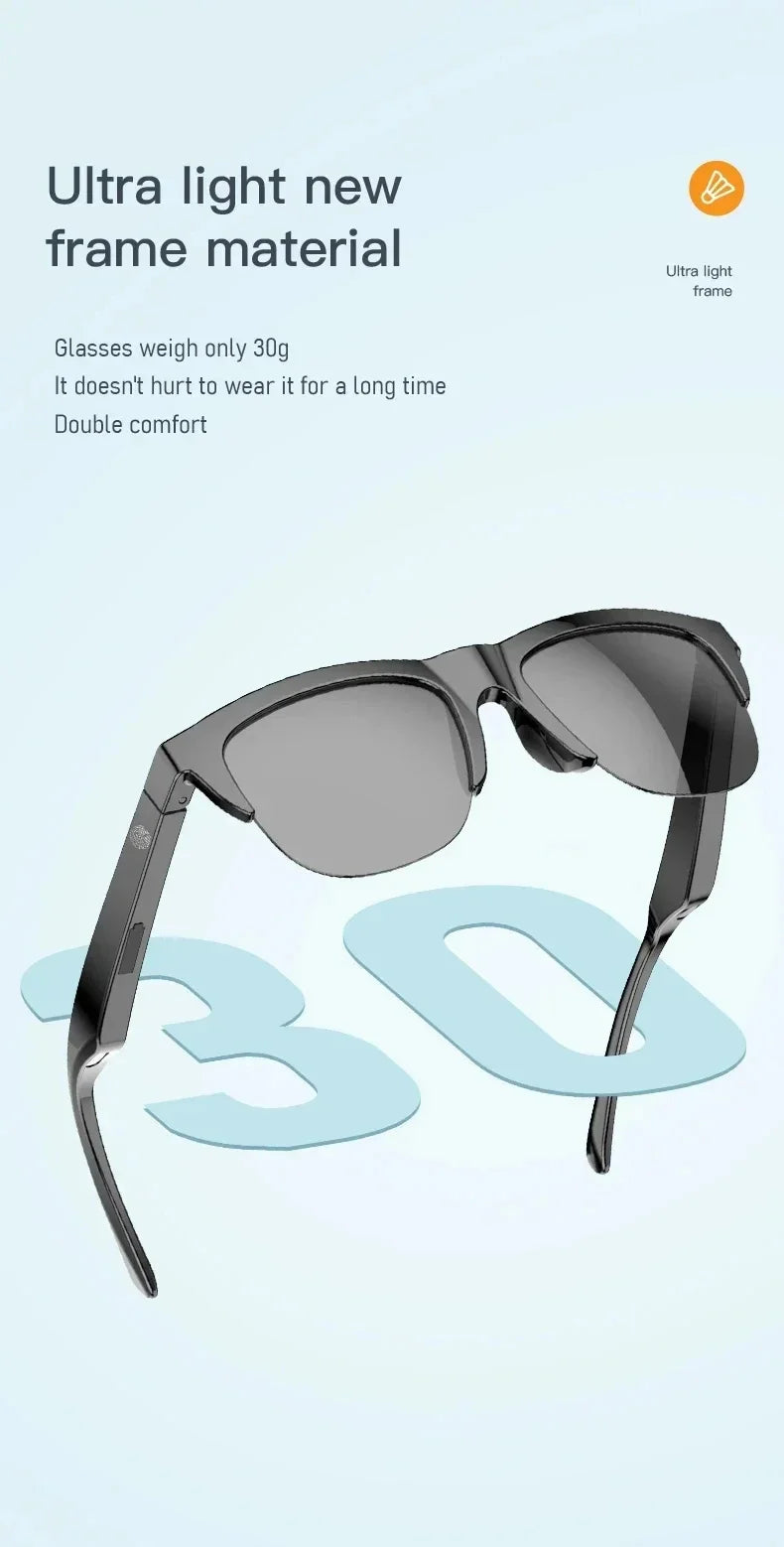
Smart Music Sunglasses — answer calls on the move.
Pros and Cons of Smart Glasses for Productivity
Advantages
- Hands-free workflows
- Improved focus
- Portable productivity
- Seamless integration
Limitations
- Battery constraints
- Higher cost for AR/AI models
- Learning curve
- Limited app ecosystems
FAQ About Smart Glasses for Productivity
Are smart glasses good for productivity?
Yes, they reduce distractions and enable hands-free workflows.
Can smart glasses replace a laptop or phone?
No, but they complement them and reduce dependency.
Do smart glasses work indoors?
Yes, though tinted lenses may affect visibility.
What are the best smart glasses for daily use?
Lightweight Bluetooth smart glasses with long battery life.
Which smart glasses are best for office work?
Audio or AI smart glasses with strong call quality and app compatibility.
Are AI smart glasses worth buying?
Yes, if you want voice-driven productivity and automation features.
Ready for hands-free productivity?
Get KentDO Smart Eyewear Glasses now
Pillar Article: Smart Audio Glasses: How to Use Them for Music, Calls, and Daily Life
Other Related Articles:
Explore More: